Practical AI for business, with Claude
Learn to apply AI to your everyday work.
WyrdIT Academy is a free library of practical guides for managers and specialists. You will find concrete examples of how to use AI to prepare reports and proposals, keep on top of email and get through the other jobs a week is made of.
Start here
Claude Essentials
Six step-by-step guides – from getting to know Claude to using its practical features in everyday work.
Step 1: What is Claude?
Claude is the artificial intelligence assistant built by Anthropic. What it is, what it can do and where to use it.
Step 2: What is Claude Cowork?
A working mode where Claude does not only answer questions but completes multi-step tasks on its own.
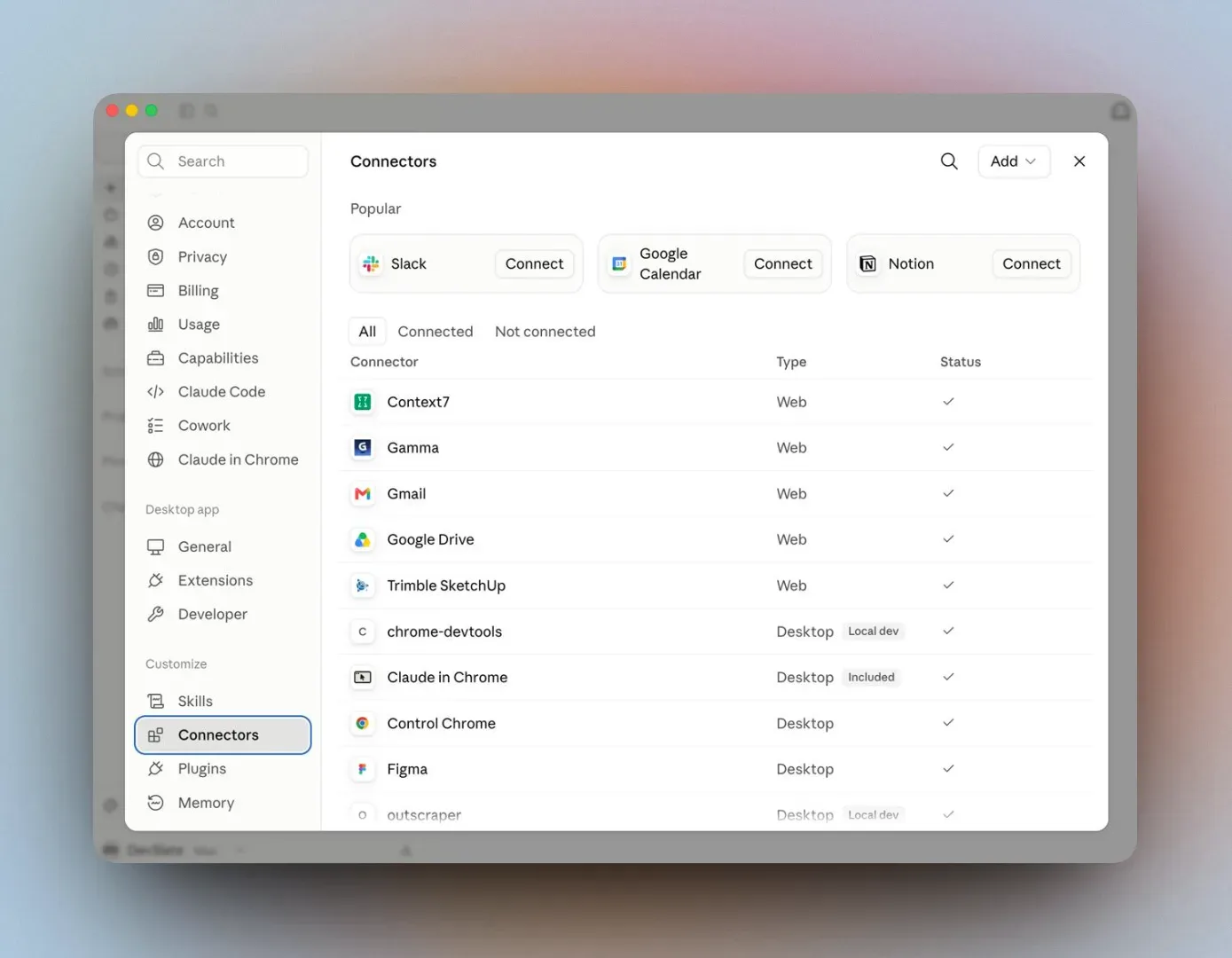
Step 3: What are Claude Connectors?
Integrations that let Claude take information from Gmail, Google Drive, Slack and the other systems you use.
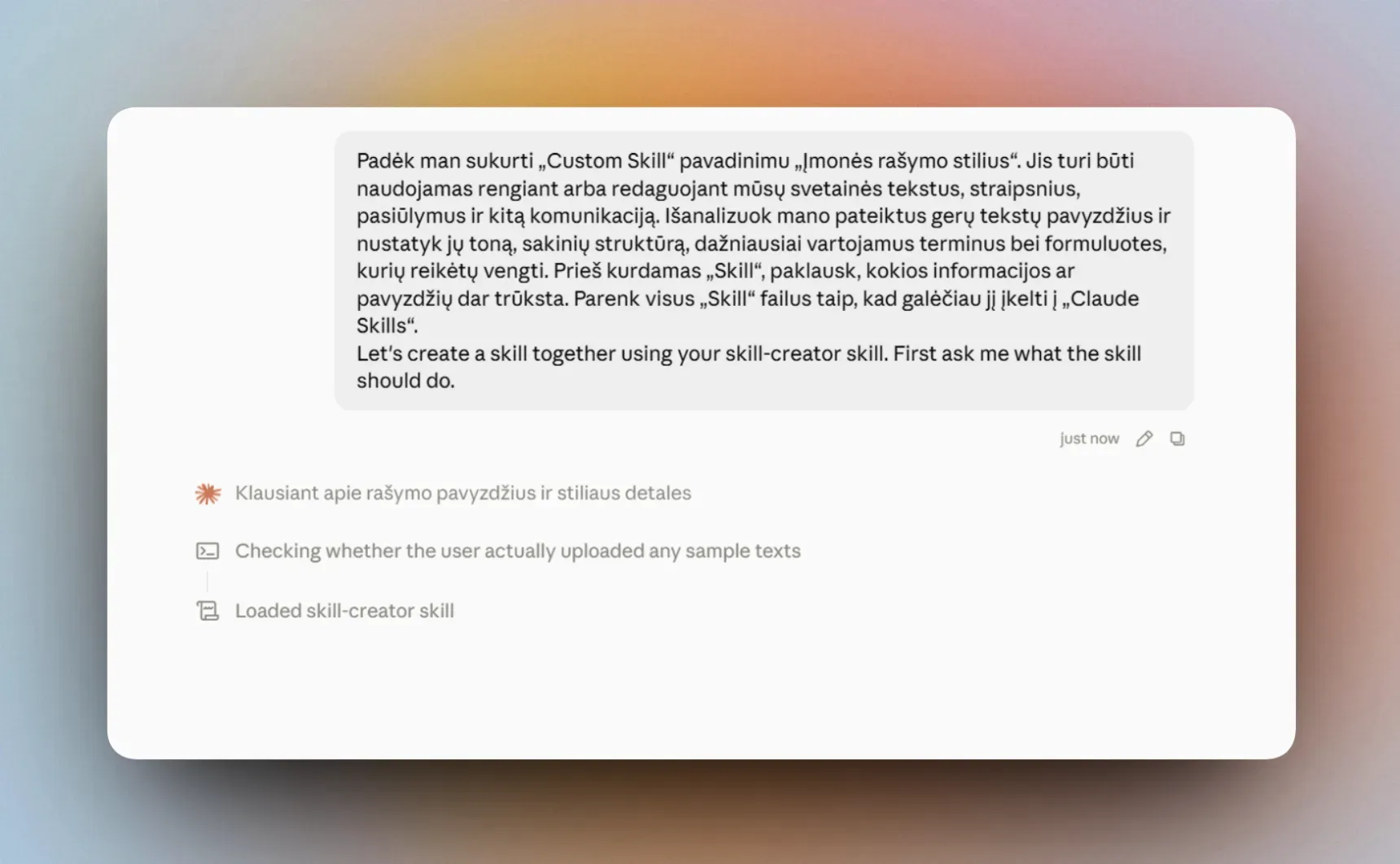
Step 4: What are Claude Skills?
Sets of instructions and examples that teach Claude to do one task in your company the same way every time.
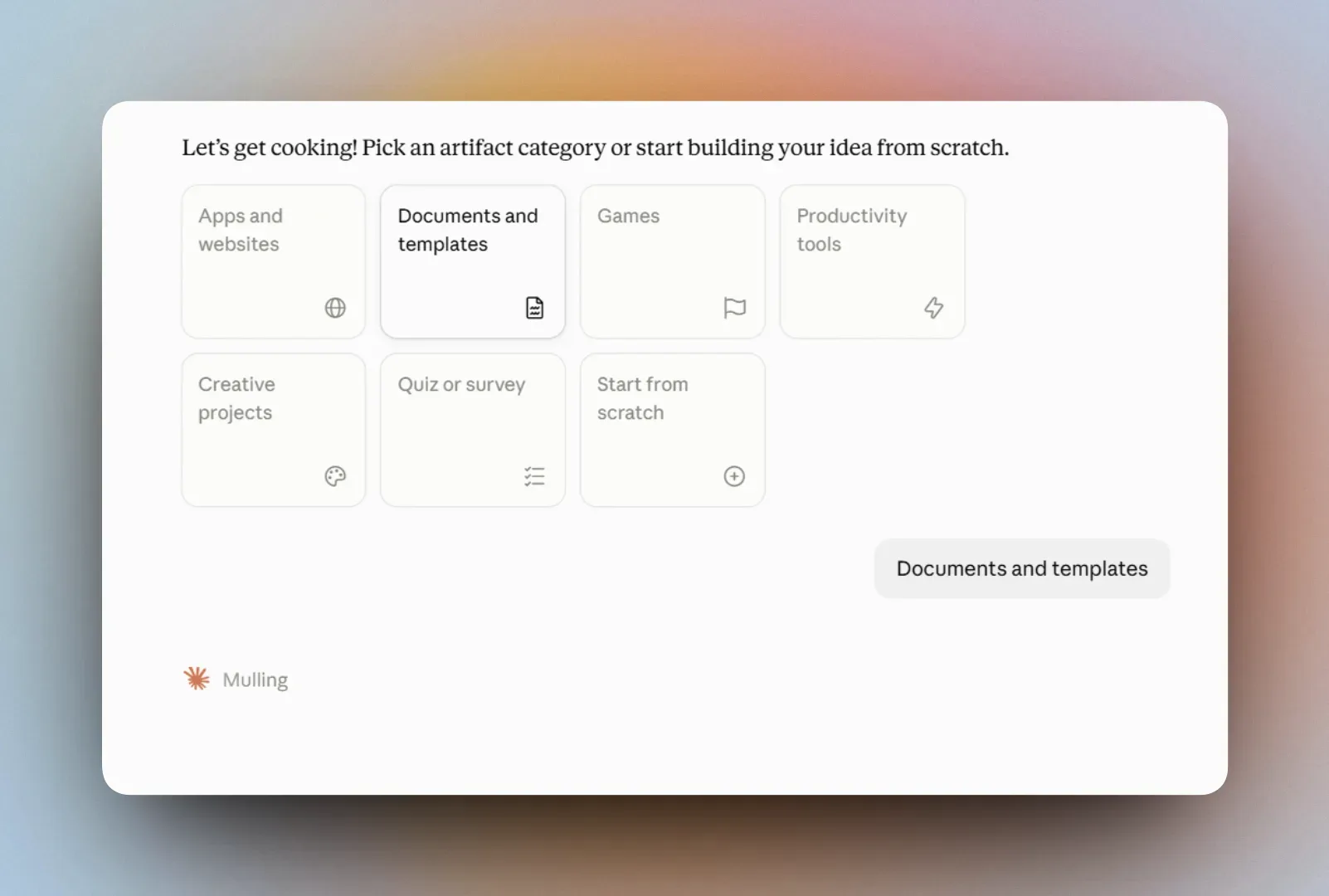
Step 5: What are Claude Artifacts?
Documents, calculators and interactive tools shown in a window of their own, which Claude builds from your description.
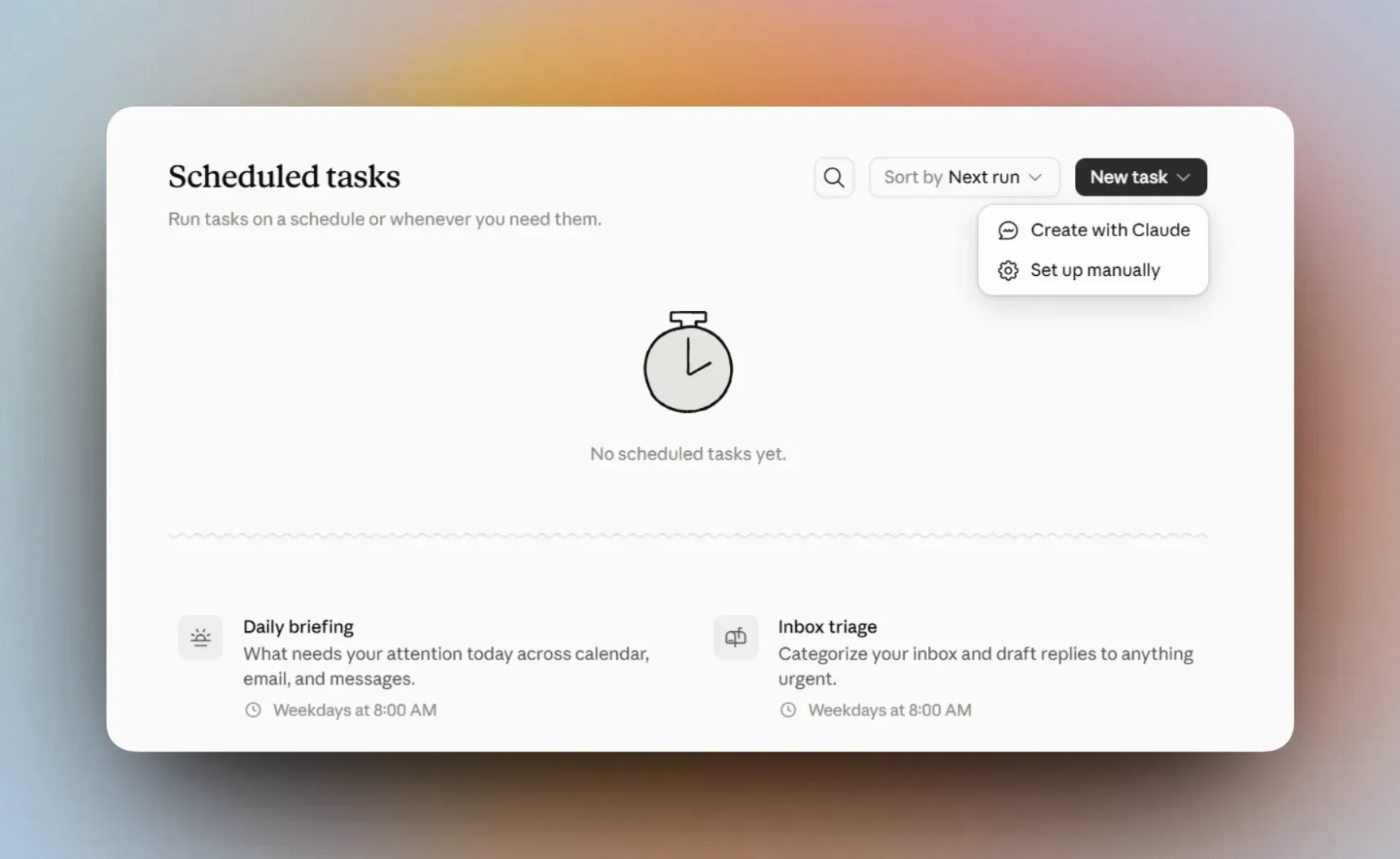
Step 6: What is Claude Scheduled?
Describe the work once, and set when Claude has to do it automatically.
Apply it at work
Practical Use Cases
Practical examples of how to use Claude for specific work tasks – from reports and proposals to process automation.
Create commercial proposals with Claude using your company rules
A client request becomes a structured proposal that follows your services, your pricing rules and your usual template.
Automate order coordination with suppliers, logistics partners and customers
From order confirmation to collection, without writing every email to the supplier, the courier and the customer.
Build a management dashboard with Claude
The numbers you check every week — revenue, profit, orders, sales — in one view you build with Claude Artifacts.