Claude Skills are sets of instructions, examples and supporting files that teach Claude to complete one task the same way every time. Put simply, instead of explaining how the work has to be done on every occasion, you can use a Skill in which that process is already written down.
For example, a Skill can tell Claude how to:
- write documents to your company’s structure and brand guidelines;
- prepare presentations in a set design and content format;
- process data by the analysis method your company uses;
- prepare meeting minutes to one template;
- write commercial proposals to a set structure and set rules;
- do the other recurring tasks in your working process.
There is an important difference between ready-made Skills and Custom Skills. Anthropic and other trusted developers write the ready-made ones. They can help you write and edit Word, Excel, PowerPoint or PDF files, for example. With a Custom Skill you can teach Claude to follow your own company’s processes, templates, terms and working rules.
When you ask for a task, Claude can select the right enabled Skill on its own. A simple Custom Skill needs no code — clear instructions and a few examples of a good result can be enough.
How to add or create a Skill
You can find a Skill in the Claude Skills directory, upload it as a prepared ZIP file, or ask Claude to build one in a direct conversation.
- Open Claude and select Customize.
- Open the Skills section.
- Press + or Add.
- Choose how: Browse skills, upload your own ZIP file, or build a new Custom Skill in a conversation.
- Before you add the Skill, review its purpose, its instructions, its supporting files and the cases it is used in.
- Add the Skill you chose and make sure it is enabled.
- Start a new conversation and describe the task.
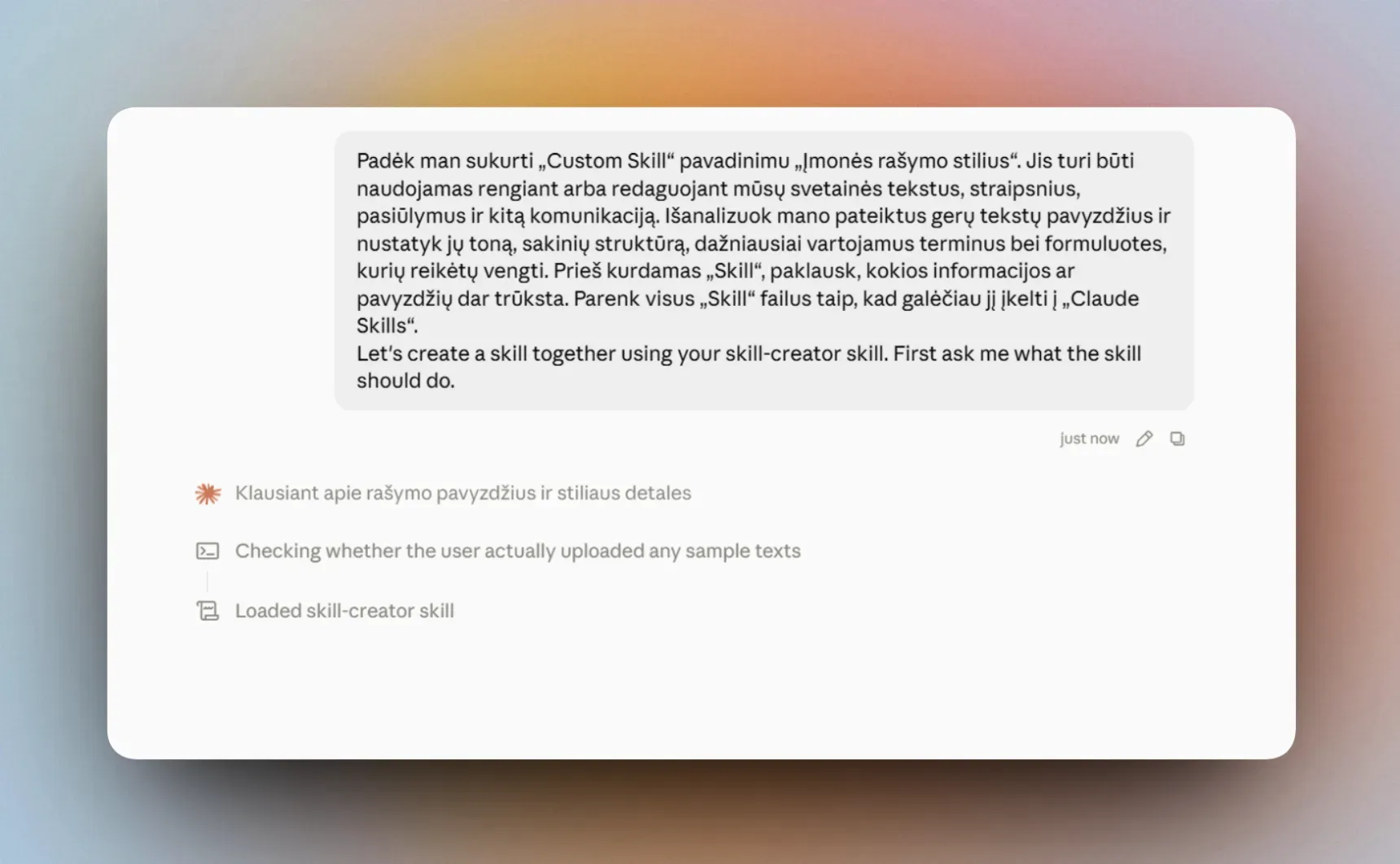
To build a Skill in a direct conversation, describe the recurring task, the working process you want and the format of the final result. You can also attach company templates, instructions or examples of a good result.
Sign in to read and copy this prompt.
Sign inWhen Claude has prepared the ZIP file, upload it through Customize → Skills → Add and enable it.
You manage the Skills you have added under Customize → Skills. There you can enable, disable, edit or remove them.
Which Custom Skills can you build?
Sign in to read and copy this prompt.
Sign inUpload examples of good writing, so that Claude writes new text in the same tone.
Sign in to read and copy this prompt.
Sign inEvery time, meeting notes become minutes with the same structure.
Sign in to read and copy this prompt.
Sign inThe Skill holds your proposal structure, your standard terms and your pricing rules.
Official sources
This guide follows Anthropic’s own documentation. It carries the newest and fullest version of everything below: