


Hands-on AI training

AI training where your team builds, not just listens.

A full day at your office: the fundamentals, a hands-on build session with our engineers on your own work, and a 30-day plan for putting AI to use.

Free check · about 3 minutes · no obligation

Your team leaves with

  • Understanding

    How AI agents, workflows and integrations work, and what they can achieve.

  • Experience

    Building agents and automations that help get tasks done faster.

  • A plan

    Clear next steps for using AI in day-to-day work.

How it works

The programme: from preparation to a plan.

  1. Before the training

    About a week before

    Survey and planning call

    We prepare the day around your team’s real work, so people build for their own tasks rather than generic examples.

    • A 10-minute online survey for each participant: AI knowledge, recurring tasks and the tools they use
    • A 45-minute call with your management about processes and systems
    • Choosing the practical tasks the teams will work on
    • A programme adapted to your team

    Result

    • Agreed tasks for each team
    • A list of what to prepare: AI tool accounts, laptops and a room with Wi-Fi
  2. The training day

    One full day at your office

    Sample agenda

    Part A

    AI fundamentals and use in your company

    Two short sessions give everyone the same footing before the hands-on part.

    1. 9:00

      Welcome and setup

      Accounts, projects and templates ready for the day.

    2. 9:30

      Technical fundamentals

      What agents, skills, workflows and integrations are, and what they can do.

    3. 10:20

      AI in your company

      Finding opportunities, setting priorities and bringing people along.

    4. 11:10

      Break

    Part BMost of the day

    Hands-on workshop with our engineers

    An AI hackathon on your own work. Alone or in small teams, participants build agents and automations for their tasks. Our engineers help them build, connect tools and solve technical problems.

    1. 11:20

      Task briefs

      Teams form and agree what their agent will do.

    2. 12:30

      Lunch

    3. 13:15

      First build session

      Our engineers move between the teams.

    4. 14:45

      Second build session and testing

      Teams try their agents on sample tasks.

    Task examples

    • Team 1An agent that sorts incoming enquiriesWorking
    • Team 2A weekly report from the CRMTesting
    • Team 3Search across SharePoint documentsBuilding

    Part C

    Review of the results

    Together we look at every build and agree what goes into use now and what goes into the plan.

    1. 16:00

      Team demos

      Each team shows what it built.

    2. 16:40

      Next steps

      What worked, what can be used now and what needs more work.

    3. 17:00

      End of the day

  3. After the training

    Within 30 days

    30-day action plan

    We sum up the day in writing and set out where to start. Then we go through the plan with your management.

    • A summary of what was built and learned
    • Further uses worth trying
    • Priorities for the first 30 days
    • A one-hour call to go through the plan
Who it's for

AI training for the whole team, not just IT.

No coding needed

  • Leaders

    • Where to start
    • Priorities
  • Operations and admin teams

    • Reports
    • Documents
  • Sales and customer service teams

    • Enquiries
    • Proposals
  • IT and product teams

    • Agents
    • Integrations
Who leads it

Led by people who build with AI.

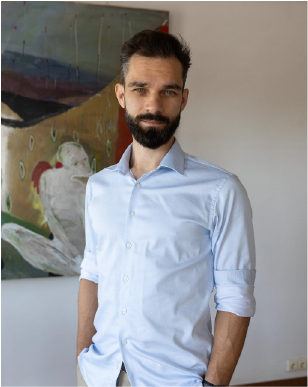
Eddie Smith

AI in the organisation

Eddie Smith

CSO and partner at WyrdIT. Formerly Chief Agile Coach at Danske Bank.

Leads the session on AI in the organisation: where to start, how to set priorities, and how to answer the three questions every team asks. Is our data safe? Can we trust the output? Who will support it?


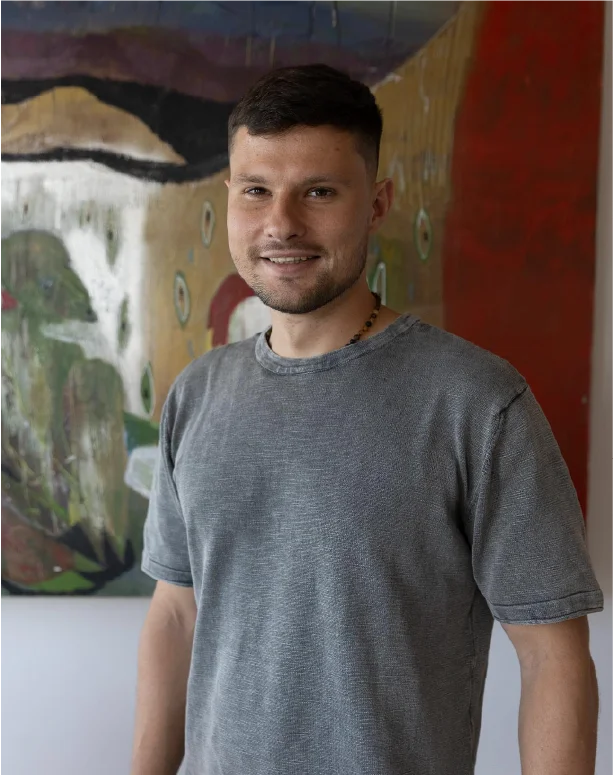
Andrius Petkevičius

Use cases and the plan

Andrius Petkevičius

Founder and CEO of WyrdIT.

Turns business needs into working AI solutions in sales, operations and compliance, and shows how they fit into everyday work.

The technical team

Put together around your needs: group size, systems and tasks.

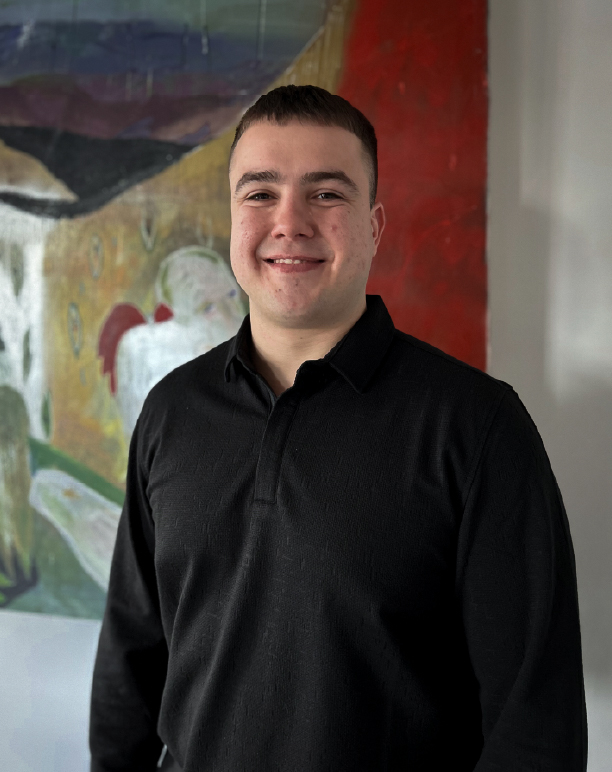
  • Dominykas Lukšys

    Dominykas Lukšys

    Software developer

  • Nojus Stankevičius

    Nojus Stankevičius

    Software developer

  • Danielius Zavackas

    Danielius Zavackas

    Software developer

  • Matched to your brief

    A specialist for your systems, when the work needs one.

Free AI readiness check

Is your team ready for AI training?

Seven questions about how your team uses AI today and what you want from the training. It takes about three minutes. You see an indicative readiness level and suggested topics straight away, and within one business day we get in touch to plan the training with you.

  • Your indicative AI readiness level
  • Suggested topics for your team
  • A reply within one business day

Already know what you need built? AI engineering services

Step 1 of 7

How many people would take part?

Choose one.

FAQ

Questions about the AI training.

How is this different from a standard AI course?
It is not a lecture course. We cover the fundamentals in the morning, then your team spends most of the day building AI agents and automations for its own tasks, with our engineers alongside. The training takes place at your office, in English or Lithuanian.
What will we build in one day?
Working prototypes for your own tasks, such as an agent that sorts incoming enquiries, a report from CRM data or search across company documents. We agree exactly what each team will build during preparation, about a week before the training.
Do participants need to know how to code?
No. We match the tasks to participants’ experience, and our team helps with the technical side. What matters most is that people know the work they want to use AI for. If developers take part, we can go deeper into agents and integrations.
How much does it cost and how many people can take part?
The price depends on the number of participants and the tasks. We send a proposal after the free readiness check or a short call. We also size the technical team that supports the hands-on part to the number of participants.
Can we use what we build straight away?
The day produces working prototypes. Using them every day usually needs further testing, access or development work. We set all of that out in the 30-day action plan, and we can help you finish a solution if you need us to.
Which tools and accounts will we need?
We agree on the tools during preparation. Usually that means an AI tool such as Claude, ChatGPT or Copilot, with an account for each participant, plus the systems you already use, such as Microsoft 365 or Google Workspace. You provide the accounts and laptops, and we set up projects and templates at the start of the day.
Can we use company and customer data?
Before the training we agree which data and systems can be used. If real data is off limits, we work with anonymised examples. A person always checks what AI produces.
What happens after the free readiness check?
Answer seven questions and you see an indicative readiness level straight away. Within one business day we get in touch, talk through your needs and propose a training programme. The check commits you to nothing.

What would you like to build?

Let's discuss your idea and explore how we can turn it into a great product. We typically respond within one business day.